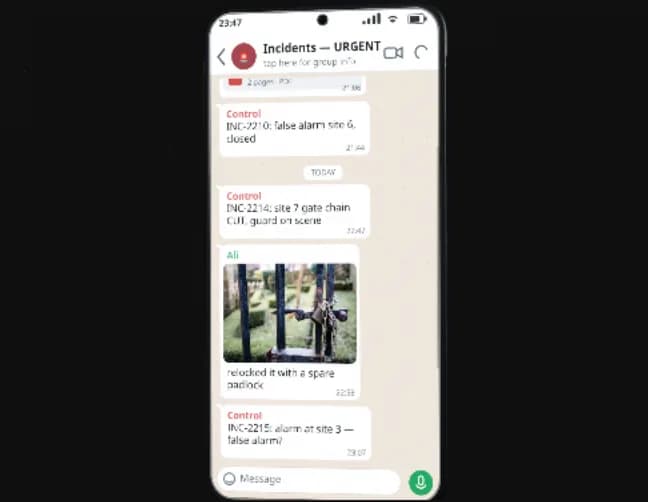
Map01 / 04
Your sites in view. Open a site to see its posts, connected cameras and patrol checkpoints together. Follow the patrol from the same map.
As security professionals ourselves, we’ve been there. We realised it doesn’t have to be this way. That’s why we built

An illustrative i-CORE patrol: open the site map, follow Alex to the south fence checkpoint, review his finding and photo of fence damage, and read the report. The patrol discovered the damage; the operator reviewed and acknowledged it, informed the customer, and the site supervisor later confirmed the fence was repaired and checked. The case is then closed in the report.
Your sites in view. Open a site to see its posts, connected cameras and patrol checkpoints together. Follow the patrol from the same map.
Follow the patrol. See who is on the route and which checkpoints they’ve scanned. Alex reaches the south fence; his checkpoint scan records the visit.
Follow up on the finding. Alex finds damage beside the checkpoint. The operator reviews his report, photo and location while Alex stays at the fence.
Review the whole account. Read the case from the patrol’s first report to the repair and closure. The photo, operator notes and customer update are kept in the same record.


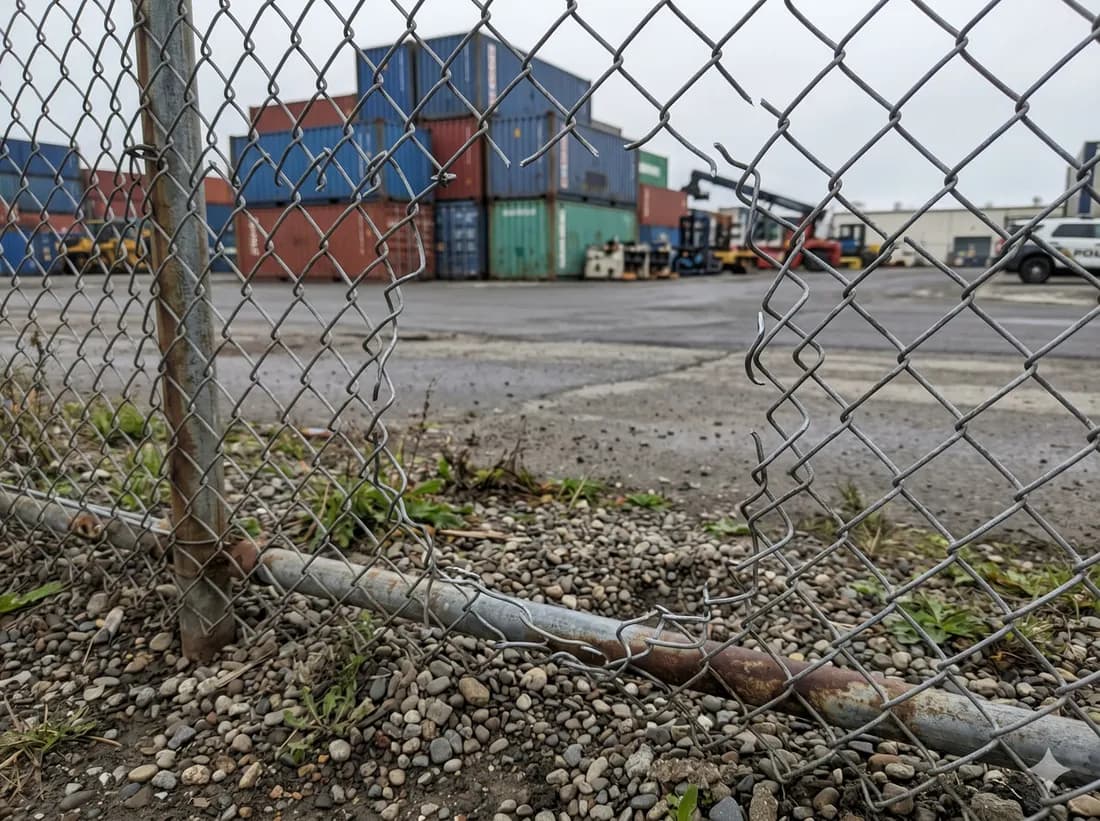
Found an opening in the chain-link fence beside CP-3 after scanning the checkpoint. Photo attached. I am at the damaged section.
Reviewed Alex’s account, the attached photo and the location at the south fence.
Finding acknowledged. Alex is already at the fence. Repair is still required; the incident remains open.
Customer notified of the fence damage at the south perimeter and that repair is required.
Fence section repaired and checked at the south perimeter.
Repair confirmed. Case closed.
i-CORE builds a rotating shift plan, records live attendance, keeps photographic evidence, and calculates payroll from verified hours.
Start with the plan. Set the post, the shift pattern, the ranks on duty and the rotation. i-CORE builds the whole roster from that one rule.
Track attendance against the plan. See each check-in against the scheduled shift, with completed shifts, active shifts and exceptions marked on the roster.
Compare the plan with reality. Open a shift to review the face match, full-body photo, recorded times and location.
Review the payroll calculation. i-CORE calculates pay from verified attendance, including overtime and adjustments. Open a person’s record to review the breakdown.
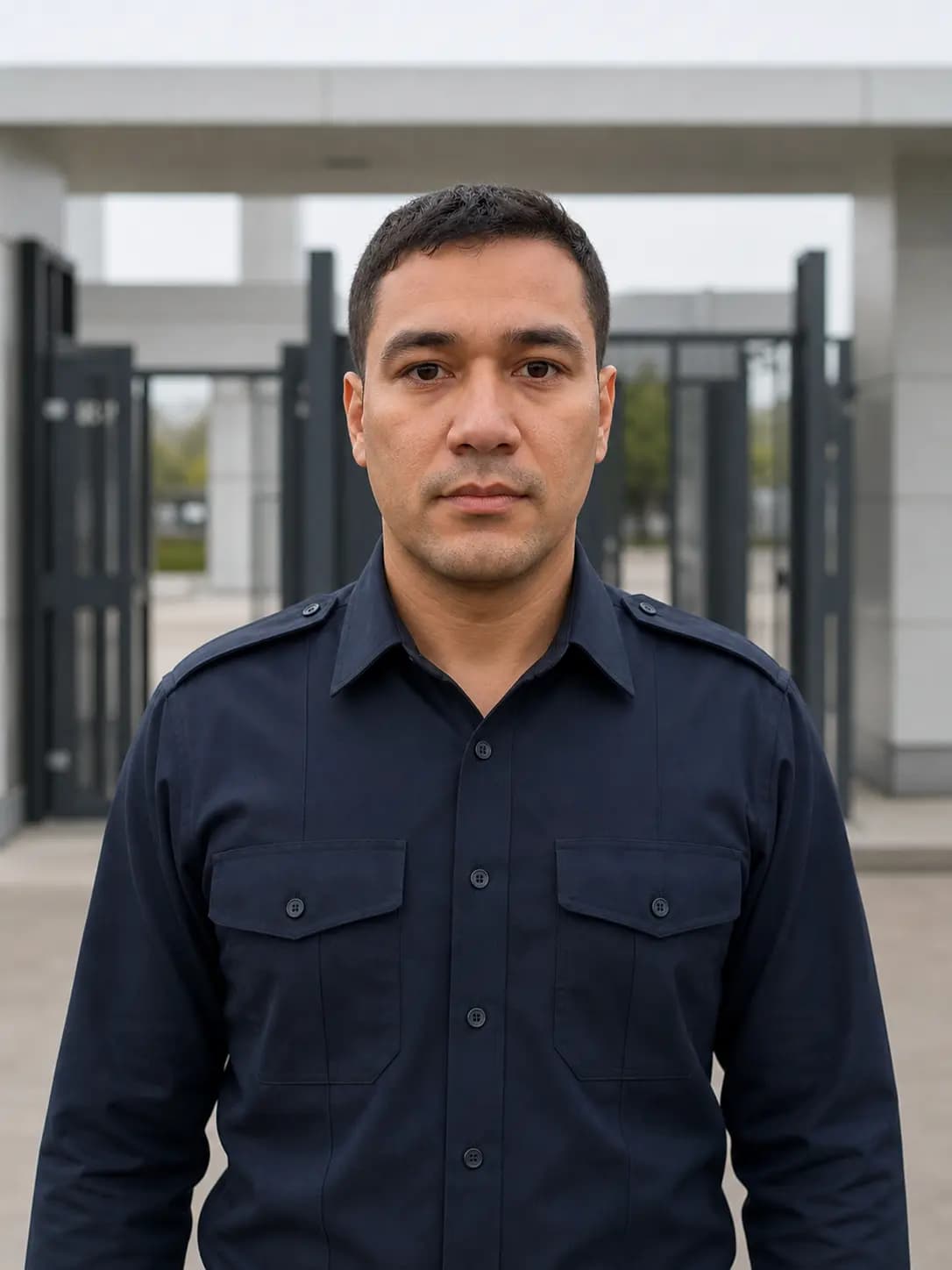 VERIFIED
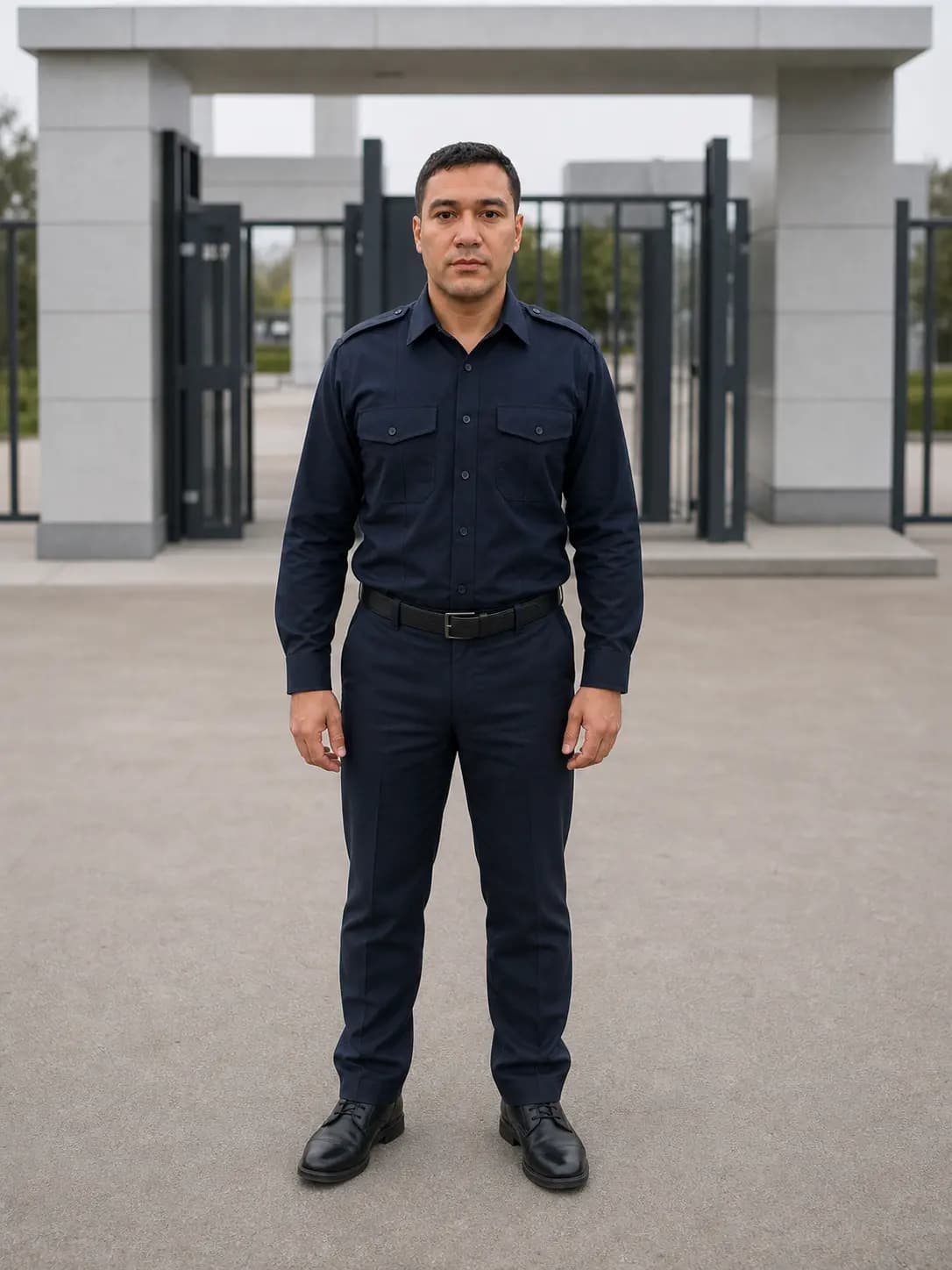 VERIFIED
i-CORE integrations: the site's cameras, door contacts, motion sensors and badge readers report into one system; a camera detects a person in a restricted office, the alarm opens with the same live clip in the control room and on the site supervisor's phone. The supervisor accepts with a two-minute ETA, i-CORE receives the status, and the operator notifies the facility manager.
Cameras, sensors and devices, one system. See the site’s connected cameras, door contacts, motion sensors and badge readers in i-CORE.
See what triggered the alarm. The same alarm and camera clip reach the control room and the site supervisor. Each sees the steps for their role.
The supervisor answers from his phone. The supervisor taps “Heading to the point”. The control room sees the two-minute ETA, then informs the facility manager.
i-SUPERVISE, the supervisor's app: check-in by face, QR or NFC inside the post's geofence; patrol routes and checkpoint scans; who is on site at which post; alarms with instructions; push-to-talk; reports, site chat and SOS.
 BY NEURAL-EX
Example workspace · Tap a tile to explore
Scan, review the details, then confirm attendance.
Attendance belongs to a post
Review the guard and assigned post before confirming.
Cameron’s latest confirmed visit was South Fence.
There is nothing awaiting a response.
Northgate site channelControl room · Site supervisor · 6 guards
LOCAL DEMOPress and hold. Release when you finish.
Control room · Jordan · Sam · Avery · Taylor · Cameron
Demo controls only. Your microphone is not accessed.
An SOS is for urgent assistance at your site. This preview lets you see the action without raising a real alert.
Try the controls. Choices stay while you explore this preview; no device settings, real alerts or email delivery change.
Explore the appYour workspace01 / 10
See who’s on duty, check patrol progress and open the tools you need for the shift.
Choose a tile on the phone, or use the arrows to explore.
Planned release · 2027
Neuralex
We bring together security professionals and software developers. Our experience on site informs how we build i-CORE for guarding companies.
Explore our work
We design for the details of a shift: who is on duty, where a patrol has reached and what happened on site.
Alongside our own products, we develop custom software, web and mobile applications, and AI solutions.
Software for guarding companies, alongside applications we build for other businesses.
Our main product
Plan shifts, follow patrols and handle incidents with the control room and site team working from the same information.
Planned release · 2027
Currently in development. We’ll reveal the full product family in 2027.
In development · 2027 reveal
A mobile workspace for site supervisors, combining product modules with real-time GPS. Follow site activity and coordinate the team from the supervisor’s phone.
Tell us what your team does and what you need the software to handle.
Contact usContact
Tell us about your business, a product you’re interested in, or the software you need.